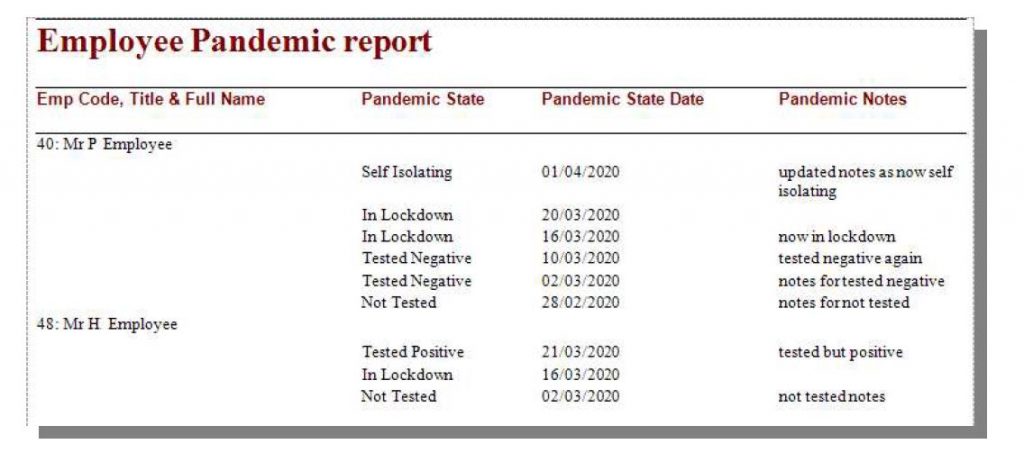
Wizard Page Selection & Comments Report Type Depending on which serials are registered, select either T & A , HR or Access Control for the category and Employees for the base type. Tables Highlight the Employee Main Details table in the right hand pane and locate the Employee Pandemic and Employee Pandemic Latest State tables in the left hand pane. Highlight one of these and click the + button to move it to the right. Highlight the first to show all pandemic entries and the latter to show just the most recent state. Table Joins To show only employees with pandemic entries, change the Join setting from All Rows to Matching Rows Only. Fields Highlight each table in the left hand pane in turn. Tick the settings in the right hand pane that are to be included on the report. The remaining pages Use the remaining report wizard pages in the standard manner when designing any report.